A music player for the Apple ecosystem
Music,
remembered.
ARC is a music player for the Apple ecosystem, especially at home on Mac. Find your next song, make room for your albums, and keep the moments that matter. Chapters brings your weeks, months, and years of music back into a story.
Get ARC Music on the App StoreAvailable now on Mac, iPhone, and iPad.
One library, three perspectives
Find the view
that fits the moment.
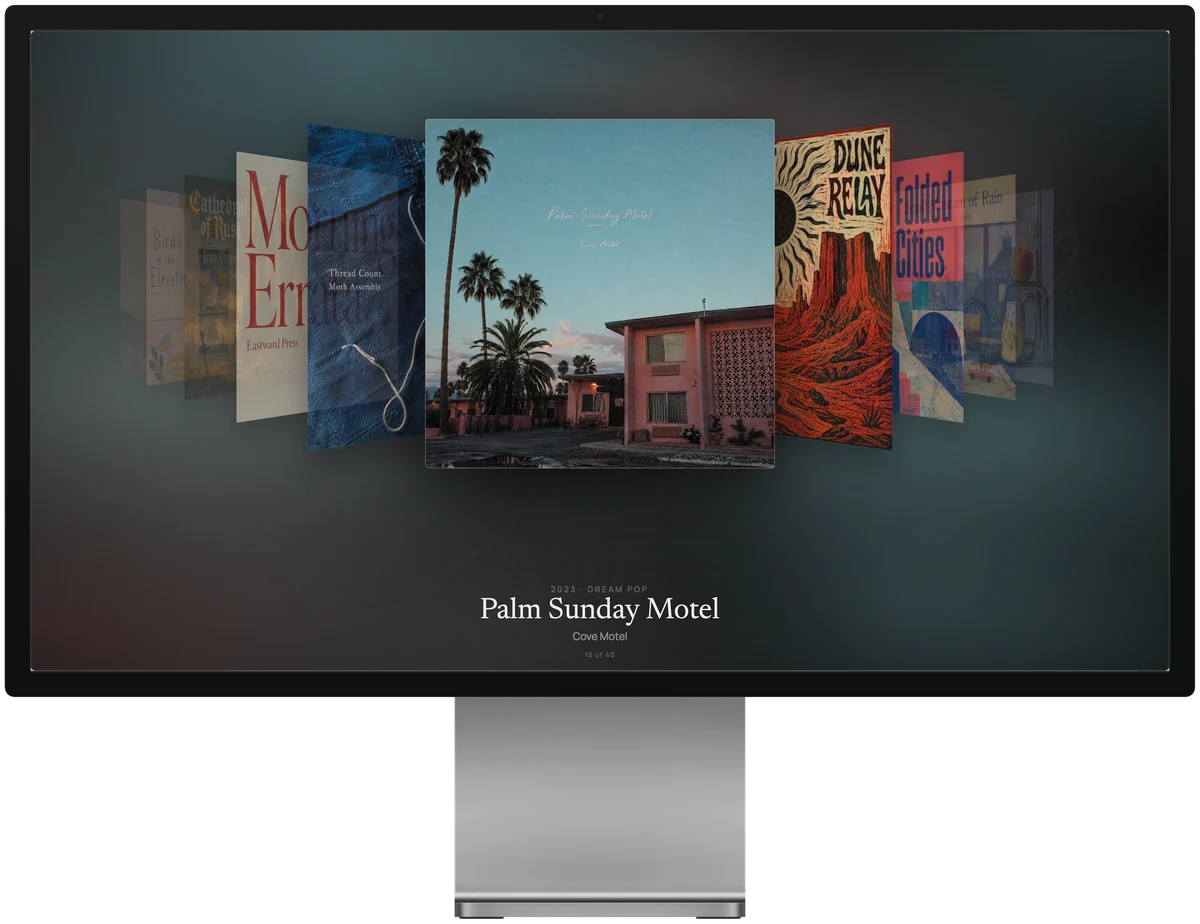
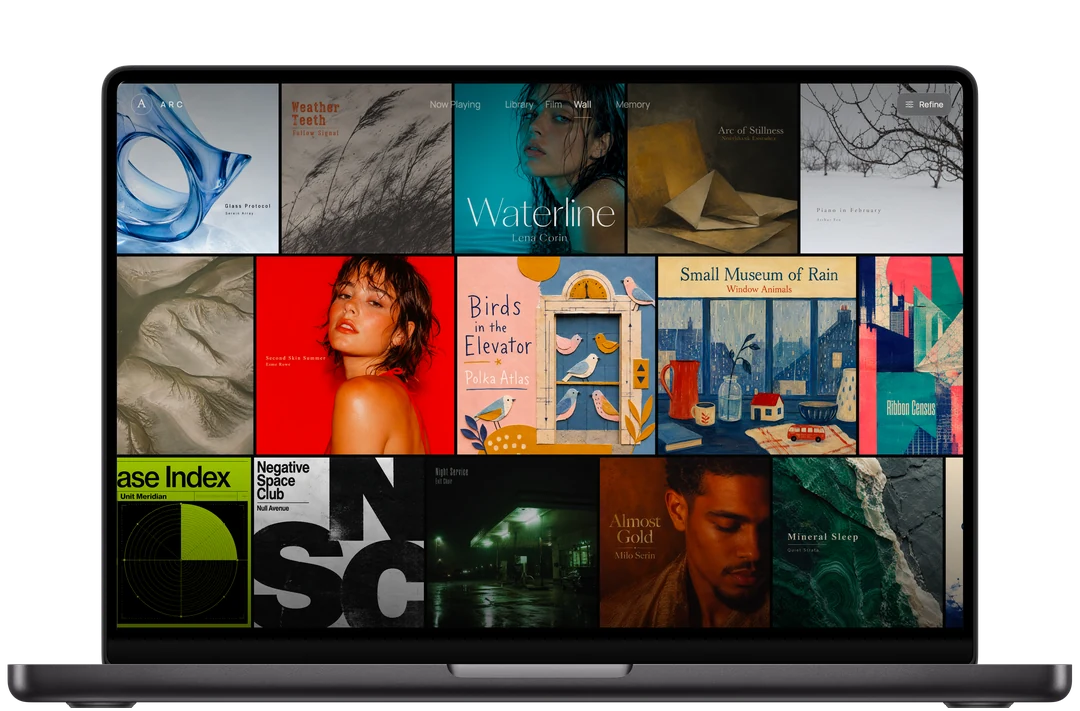
Move naturally between an ordered collection, a cinematic flow, and an immersive wall of artwork. Each view draws from the same Apple Music library.
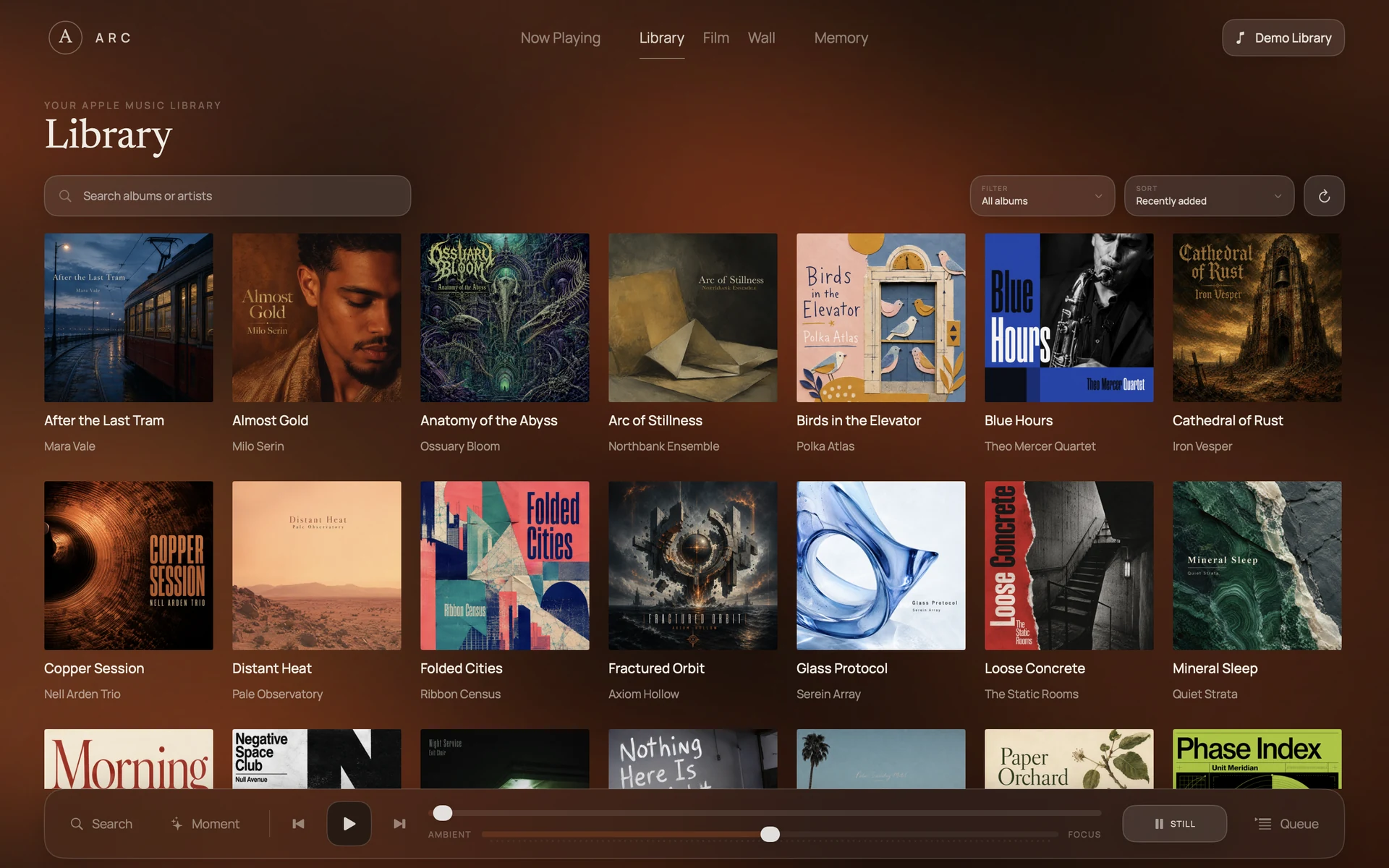
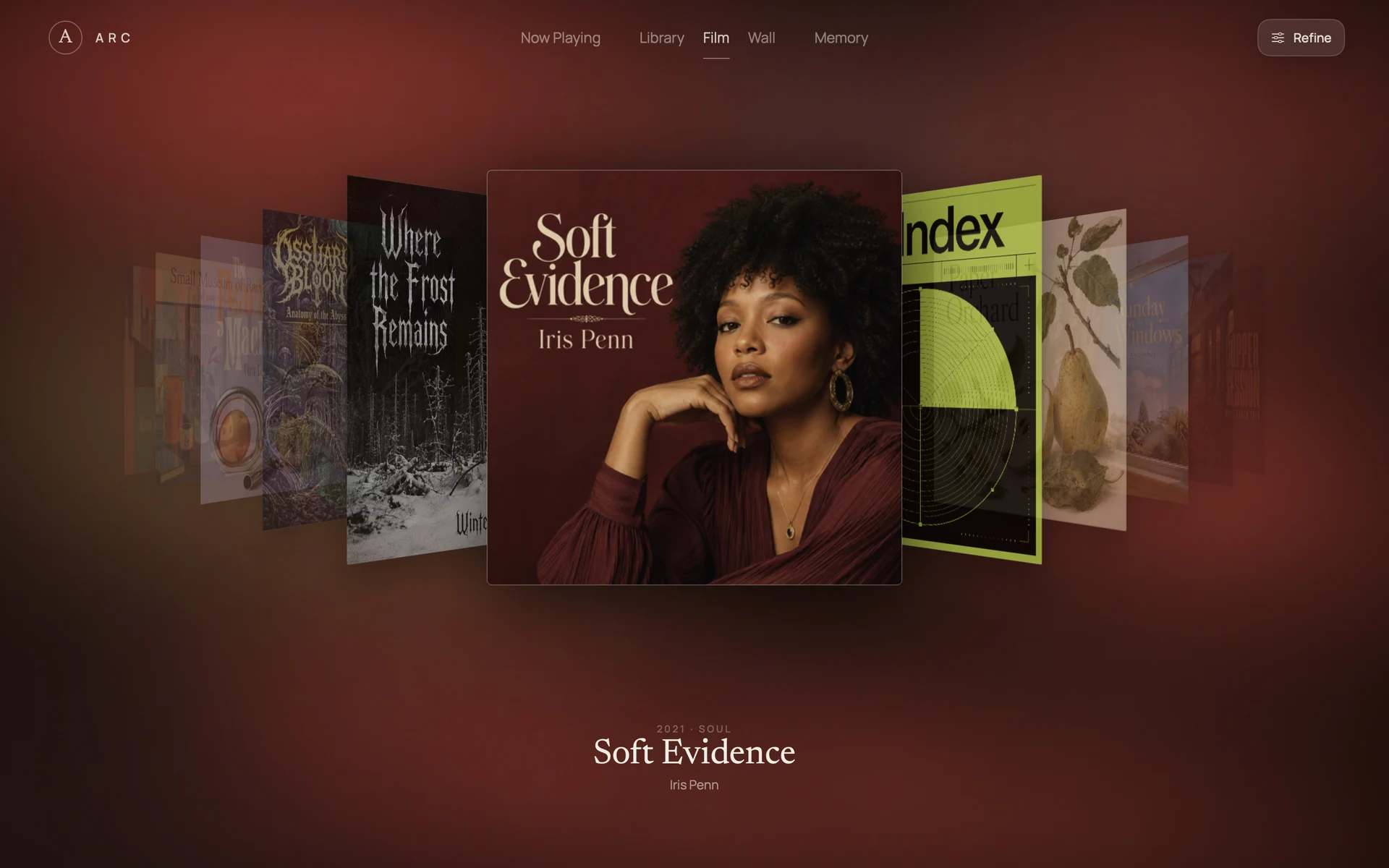
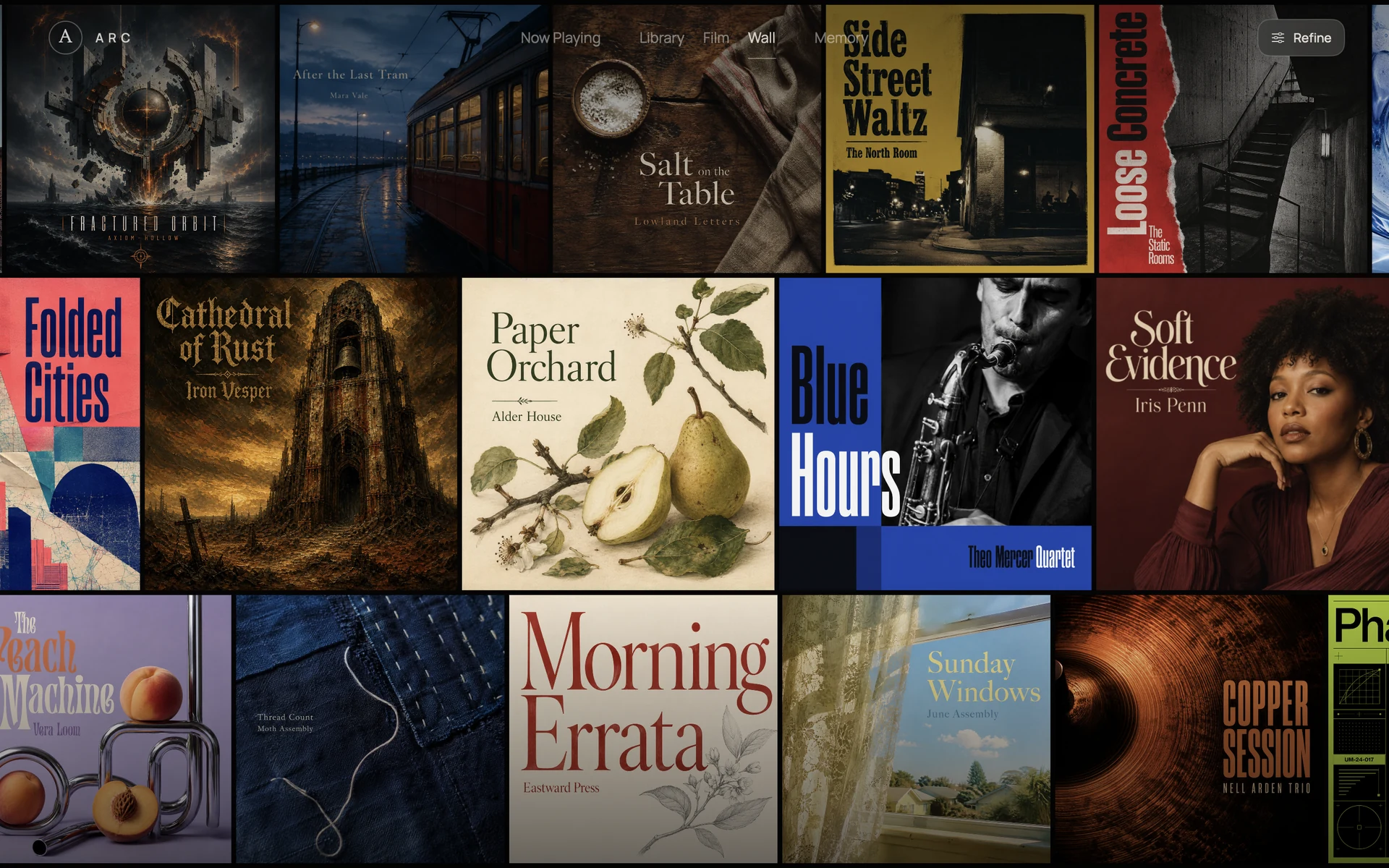
Library
An ordered collection, with continuous scrolling and room for every record.
Ambient → Focus
Let the room change
with the way you listen.
ARC’s continuous Focus control changes atmosphere and information density without interrupting the music. Stay with the colour, or bring every detail forward.
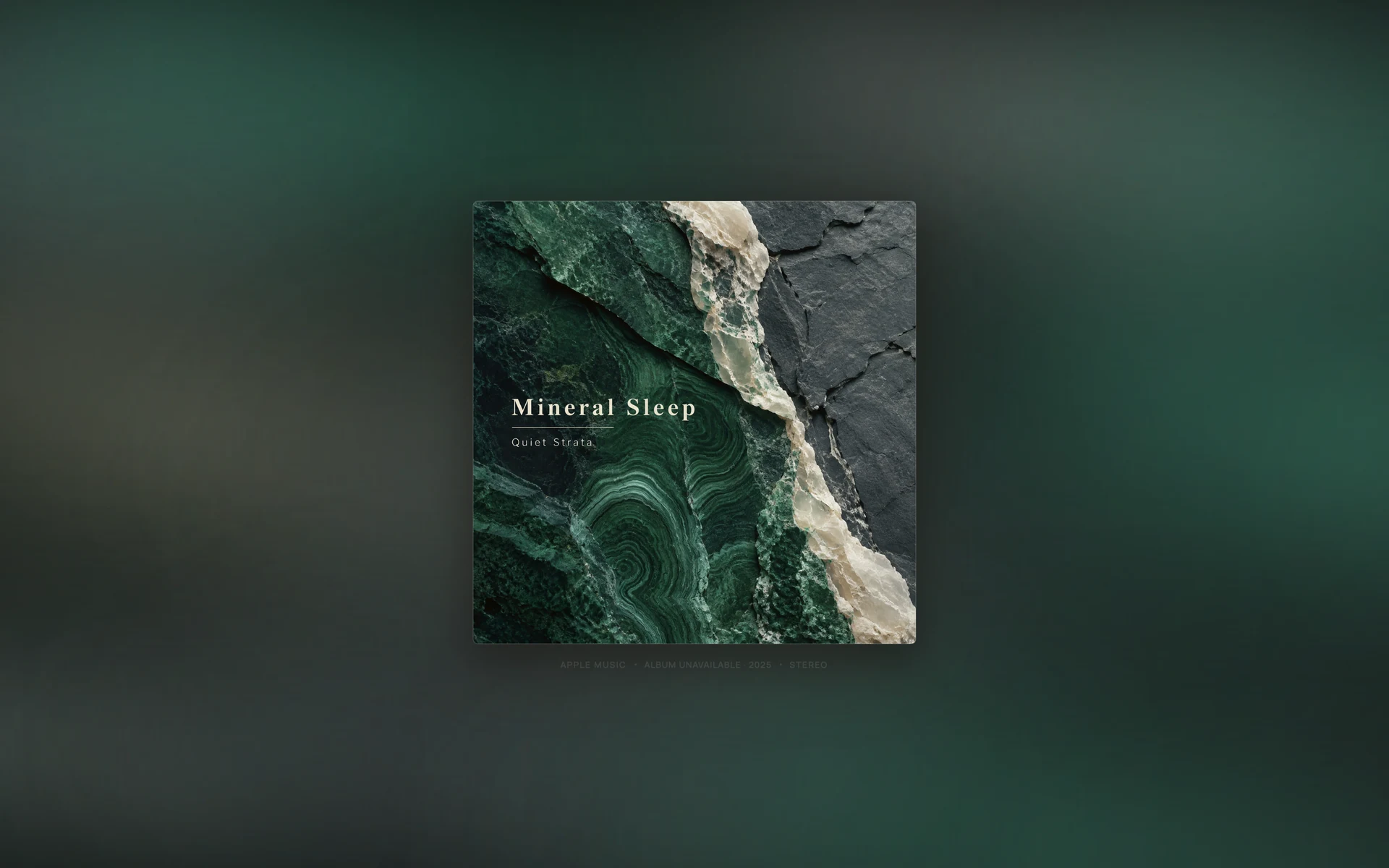
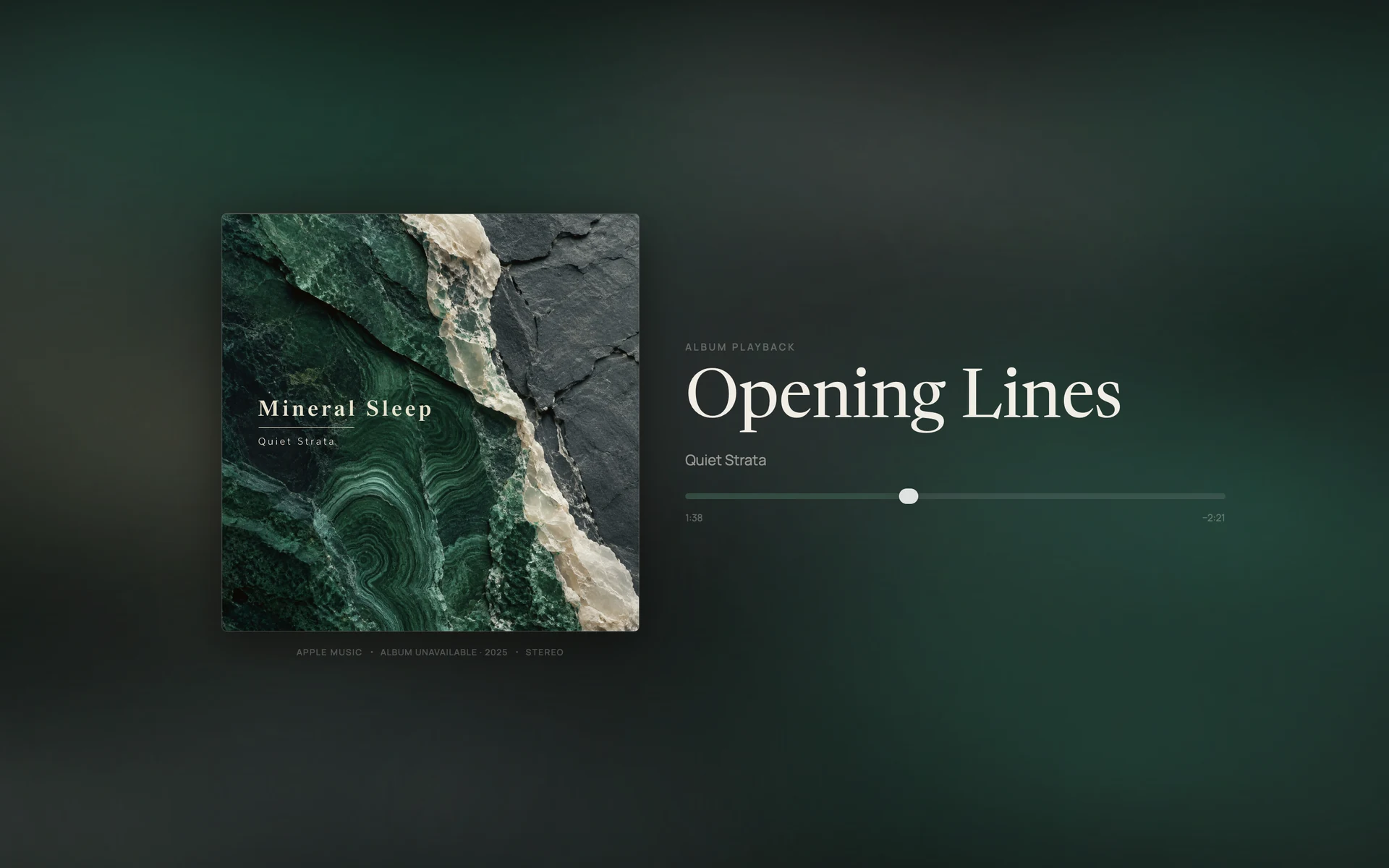
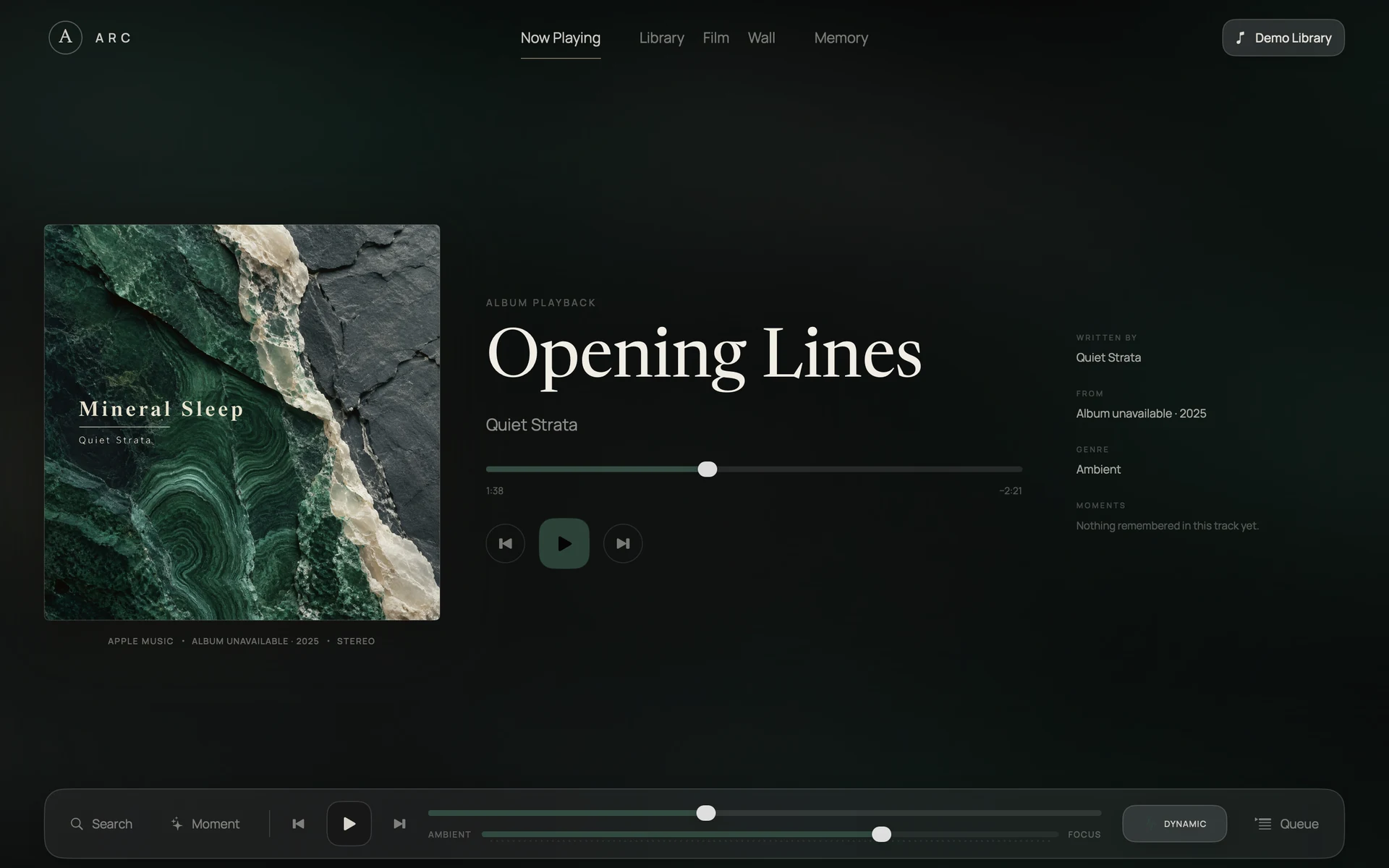
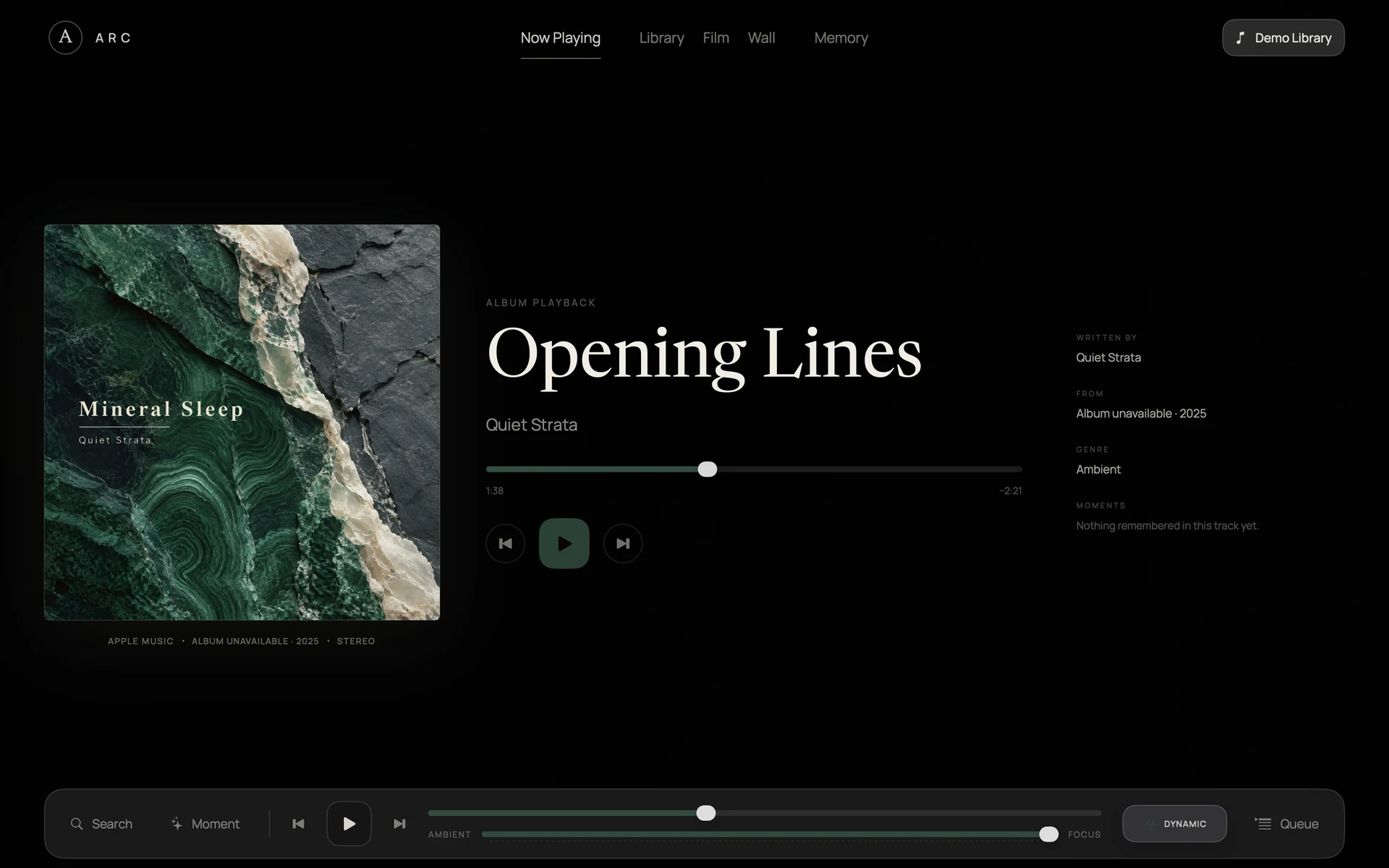
Ambient · 0
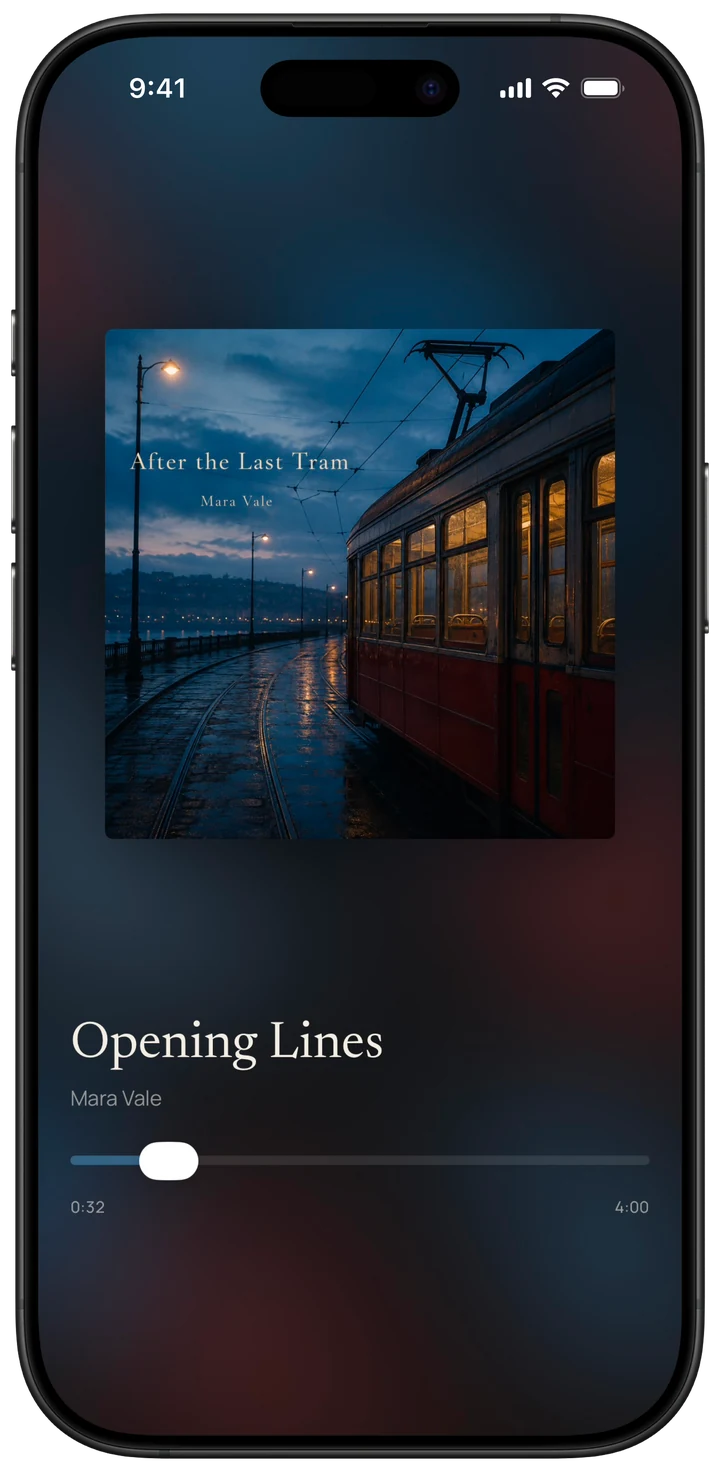
Stay with the artwork and its atmosphere. The app’s controls naturally fade away.
Memory
Keep the part
you felt.
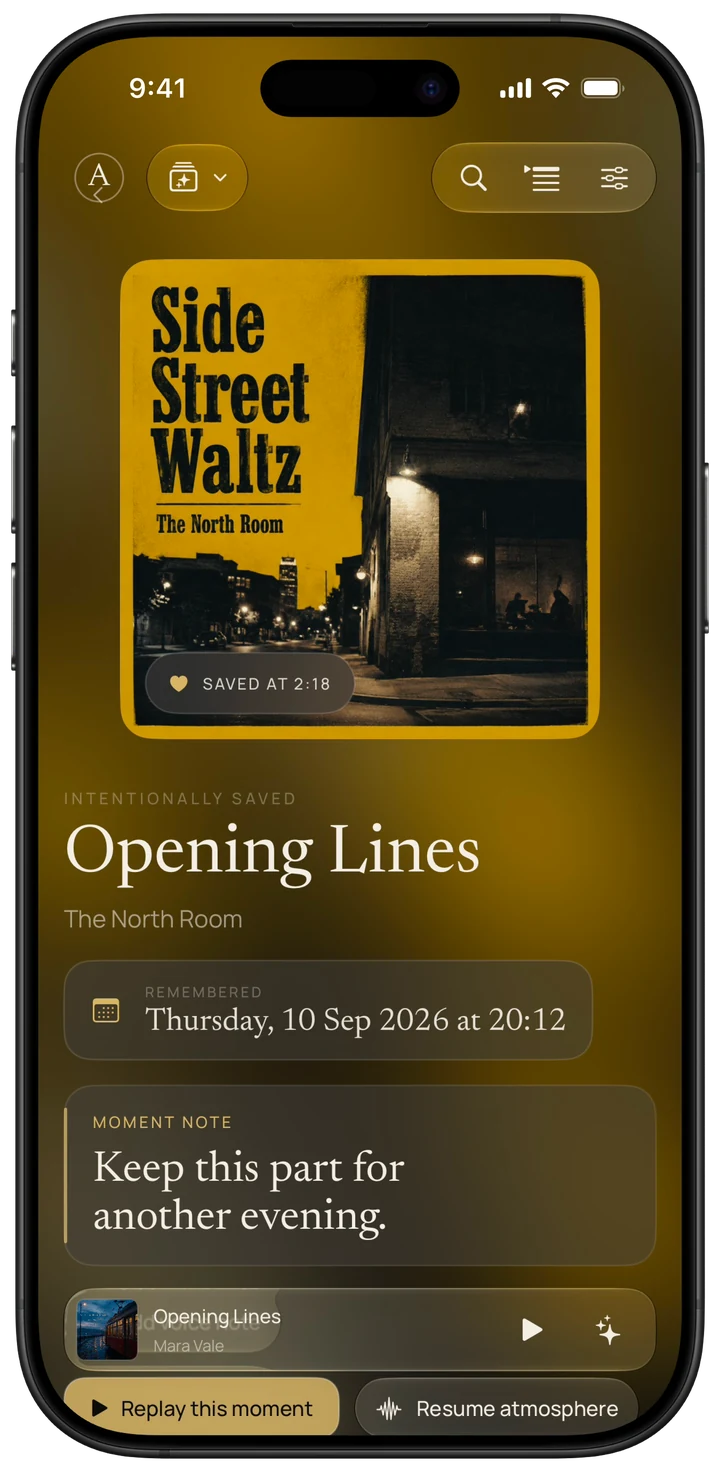
Save a Moment at the exact point a song means something. ARC keeps the time, your note, and the listening context together on your Mac. Explore Moments, Listening Days, Albums Revisited, and Listening Rhythms—or choose to replay a saved Moment.
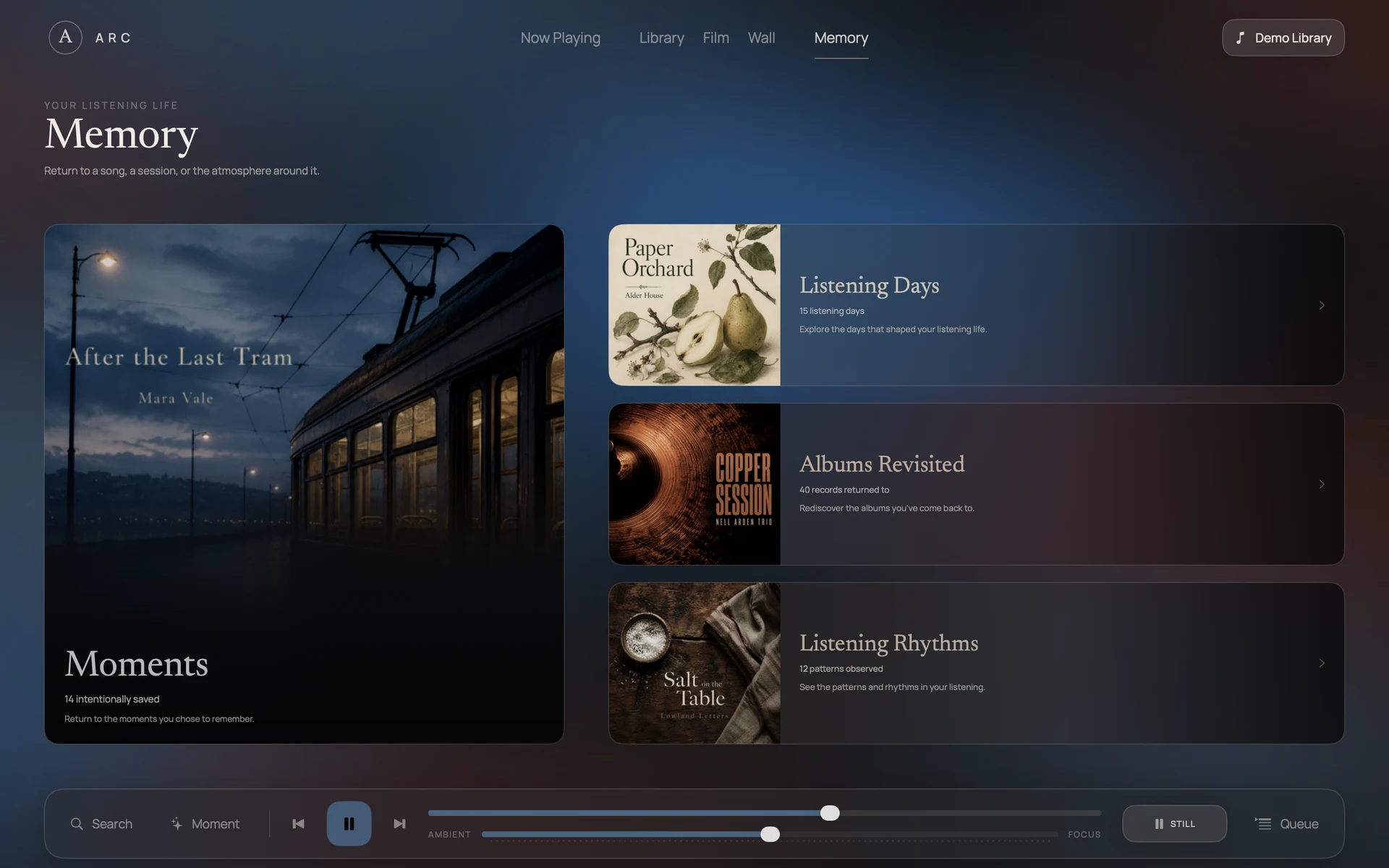
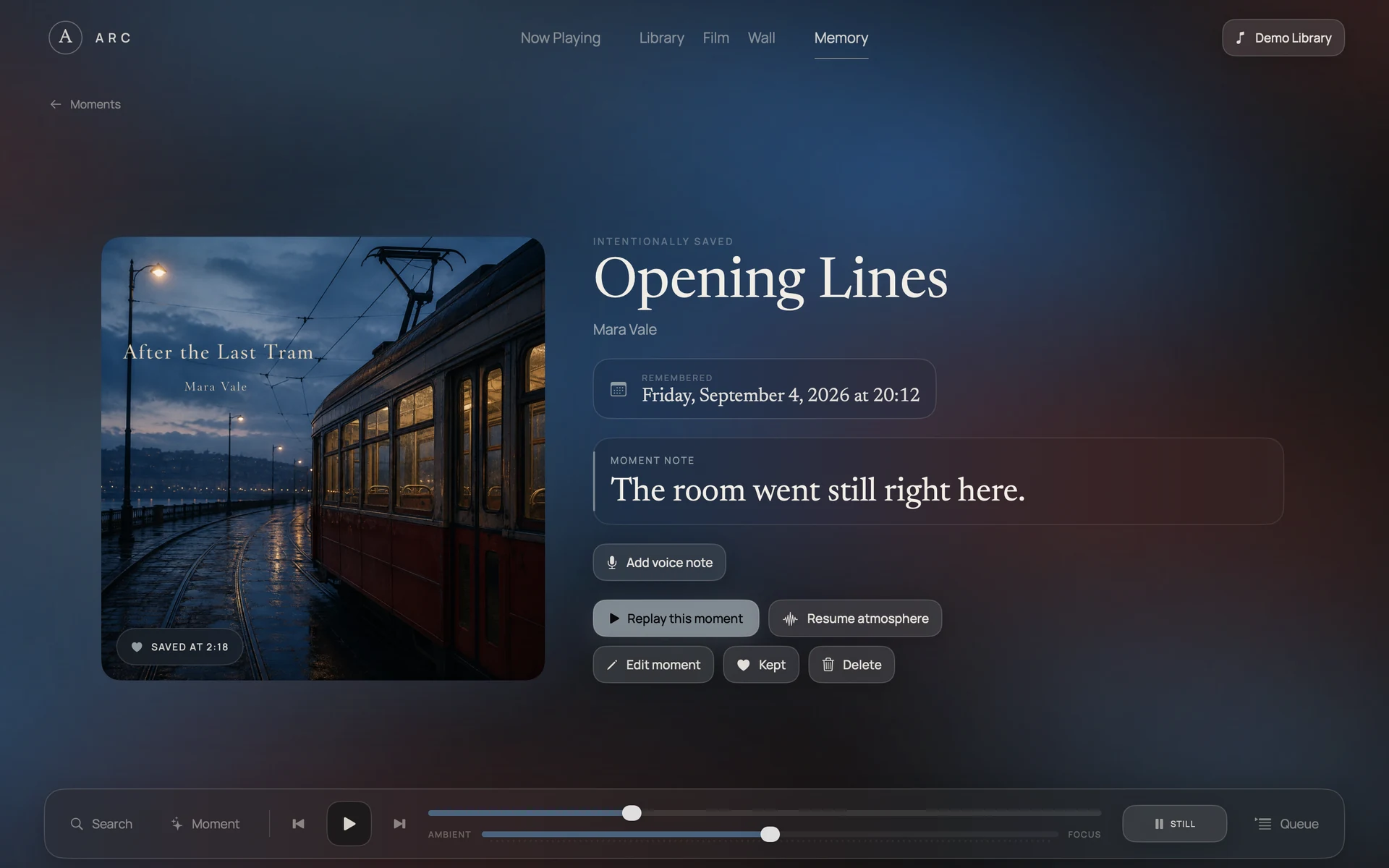
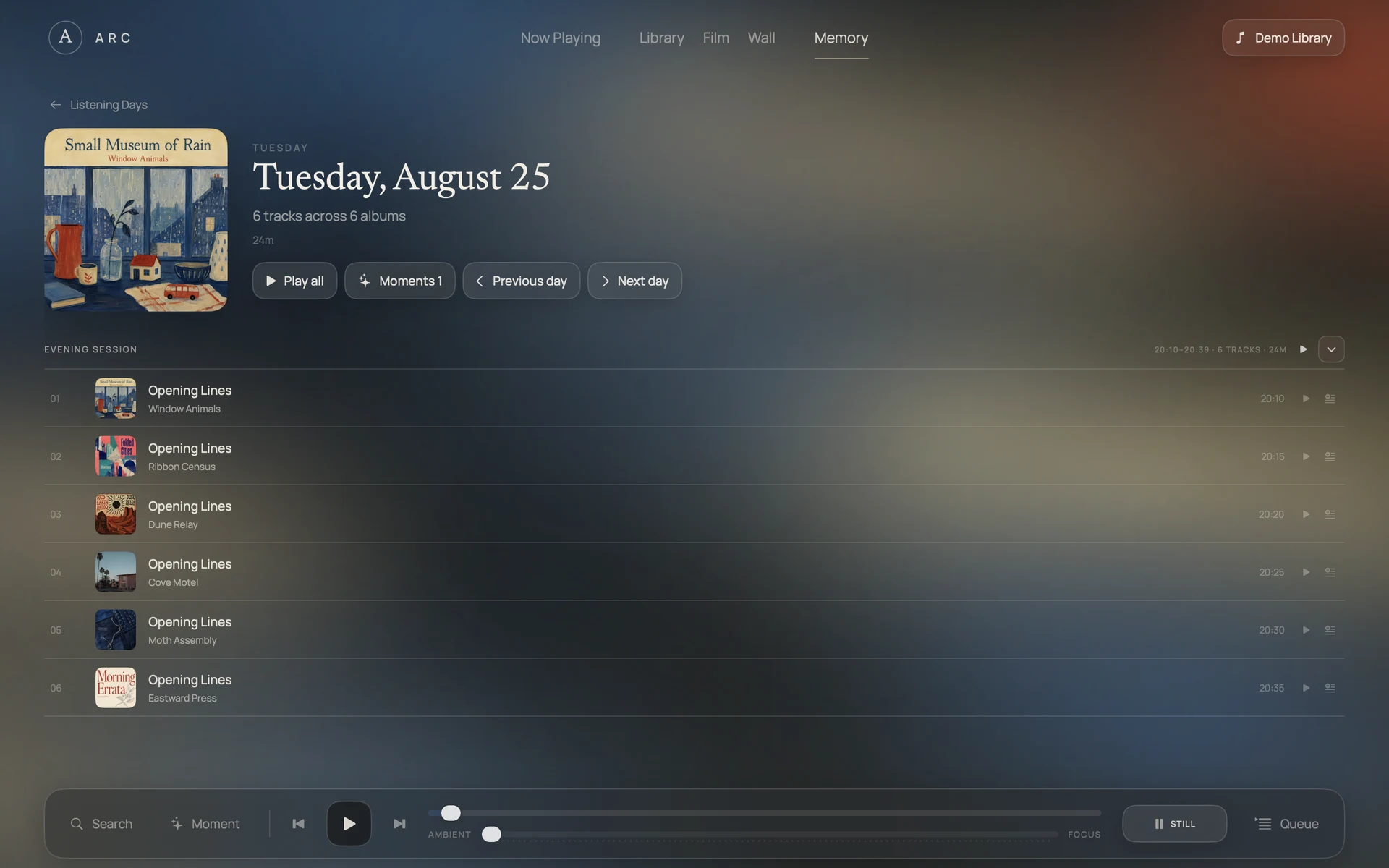
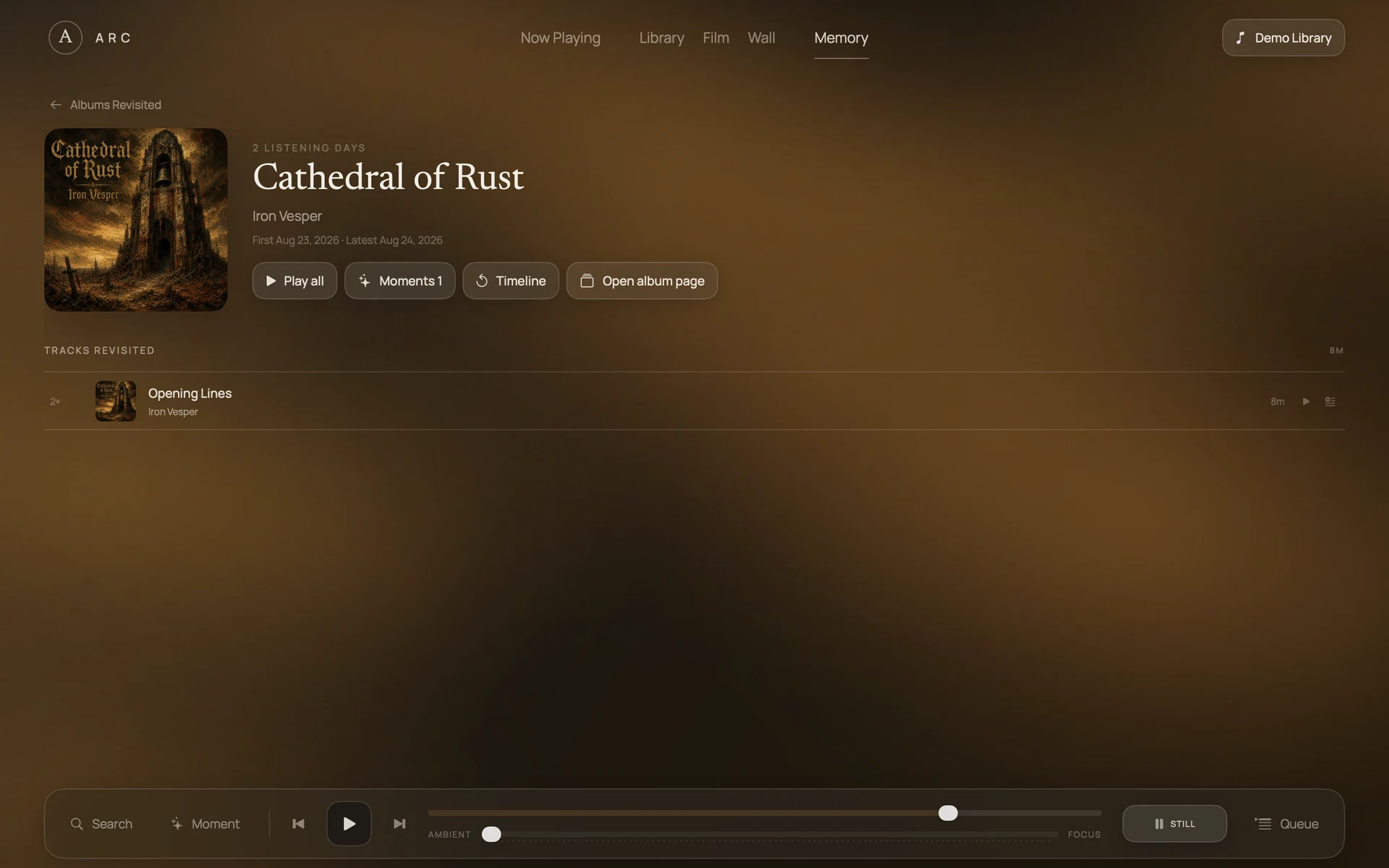
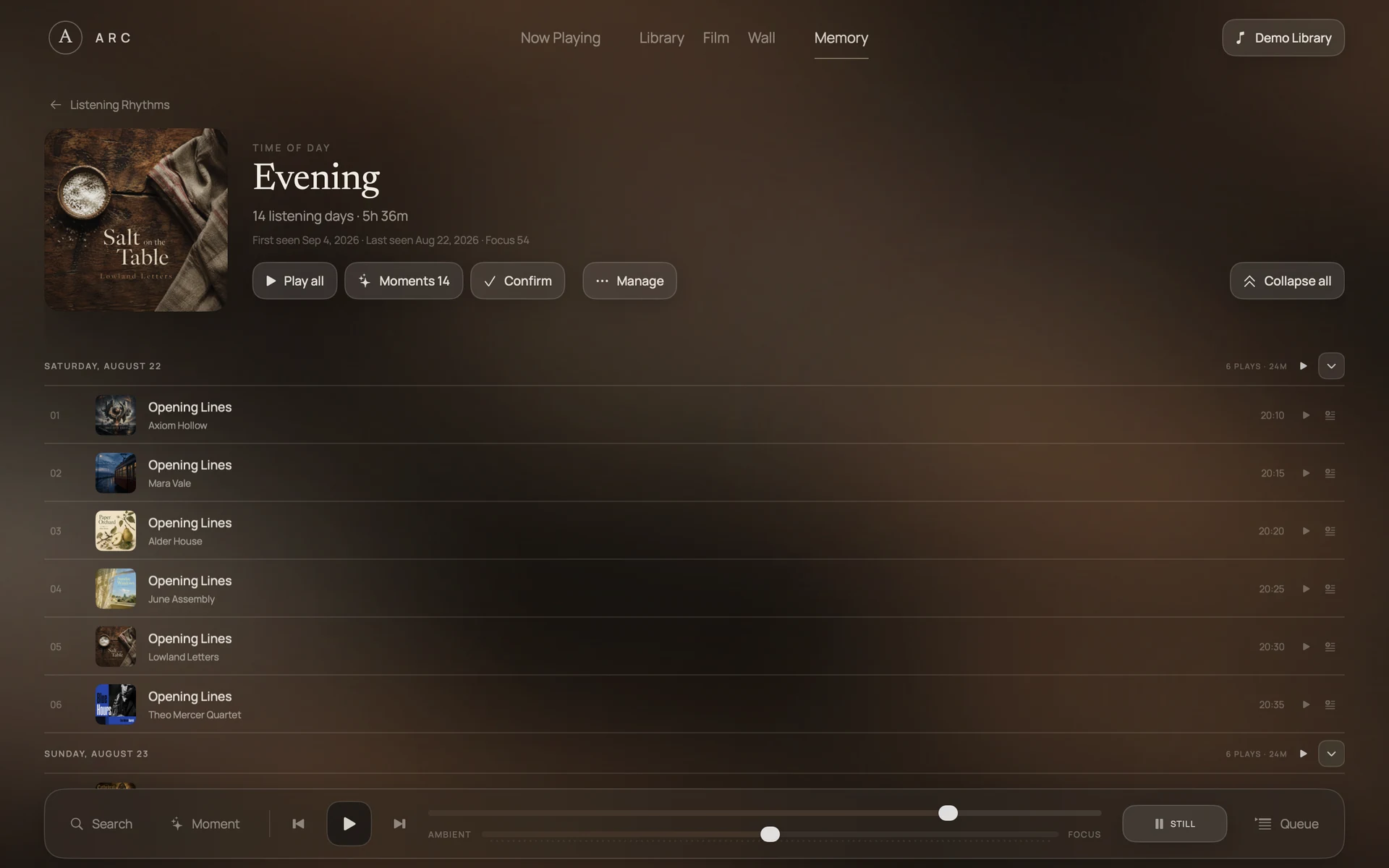
Overview
Intentionally saved Moments, Listening Days, Albums Revisited, and Listening Rhythms.
Chapters
Time passes.
The music connects.
Let a week, a month, a year of music become a story again. Chapters draws on listening recorded by ARC on this device and the Moments you chose to keep.
- Weeks
- Months
- Years
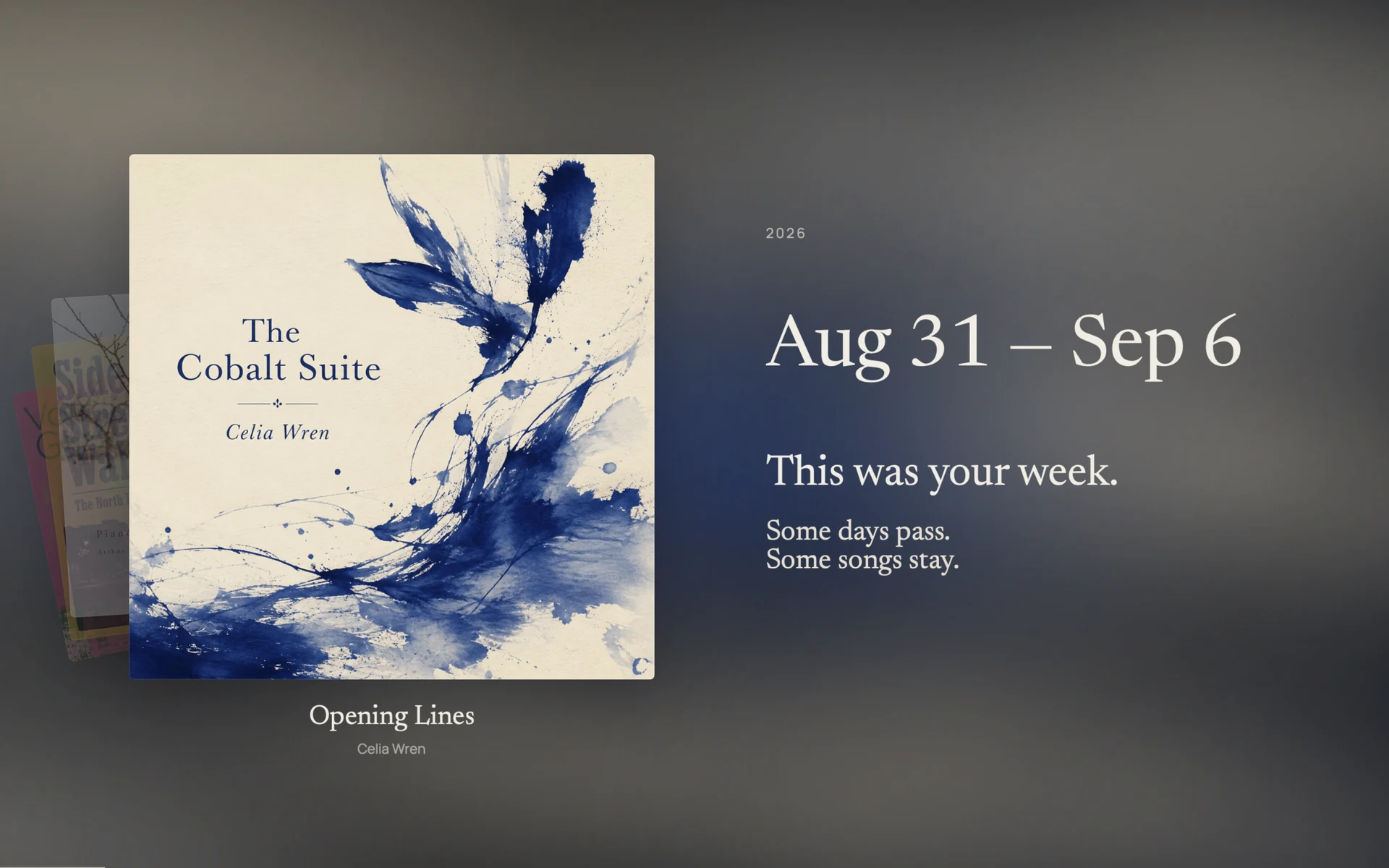
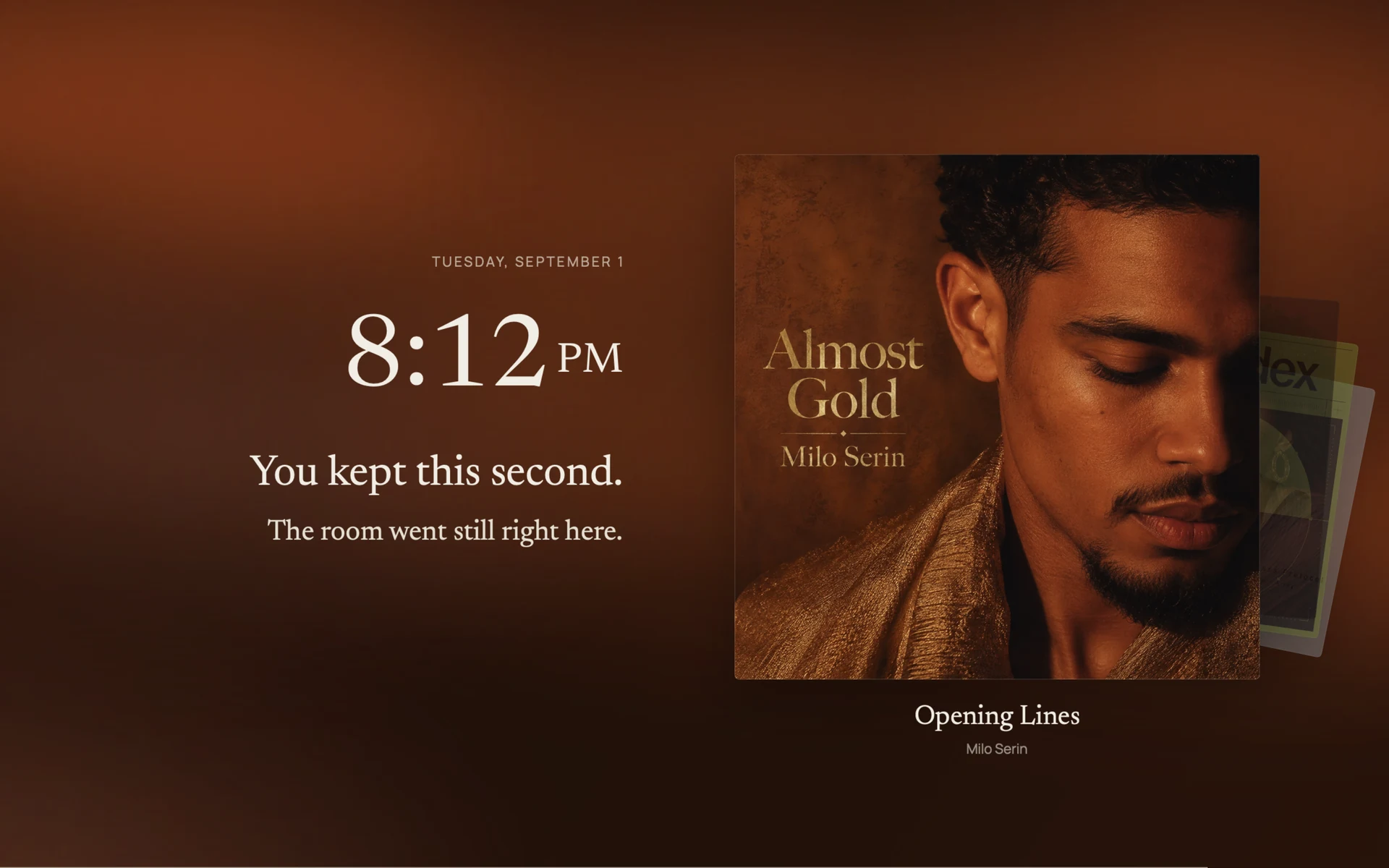
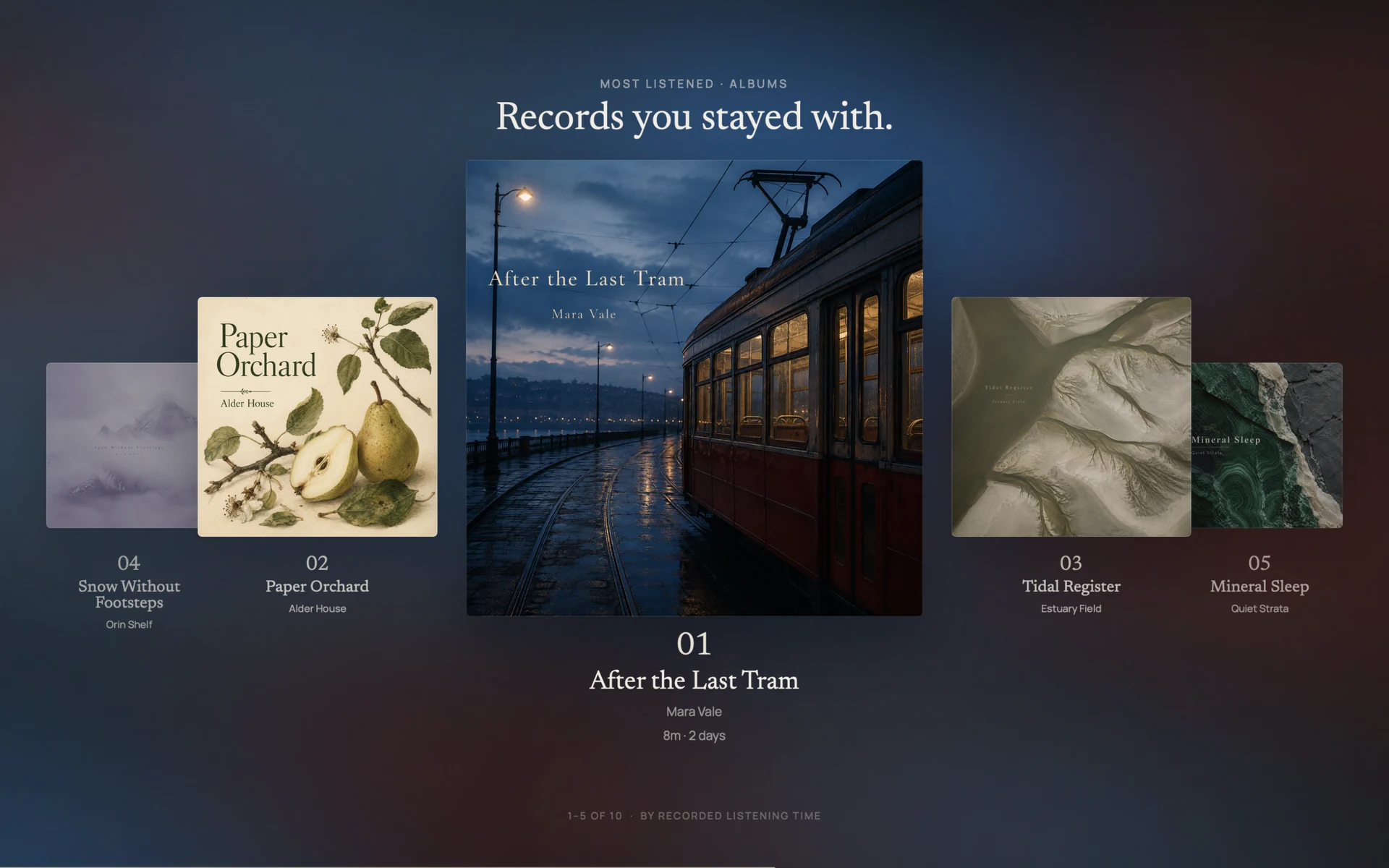
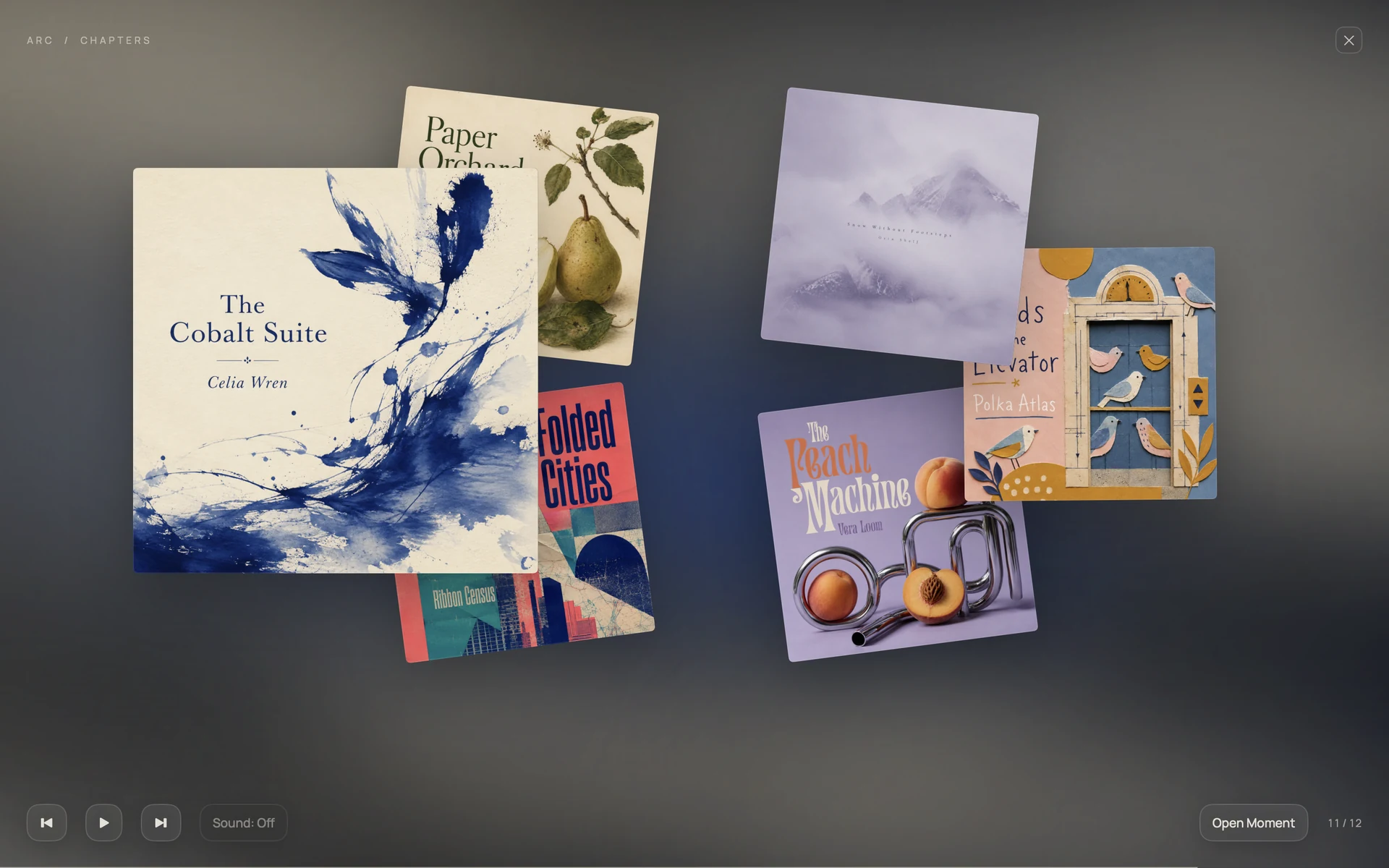
A week, remembered
A completed week opens with its dates and the music recorded in ARC.
Open when you’re ready.
Choose a completed week, month, or year from Memory. Your recorded listening and saved Moments unfold through moving covers, dates, and album colour—only where your records support the story.
Let the music return.
Chapter music takes over for the film, with Sound on or off. Exit to return to your previous playback. No pop-up reminders; private Voice notes never play automatically.
ARC on iPhone
Your music, close at hand.
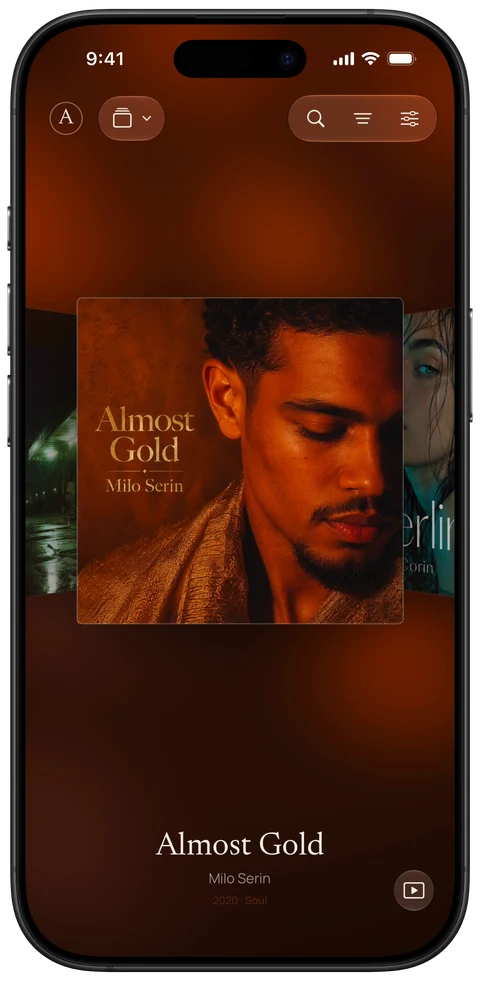
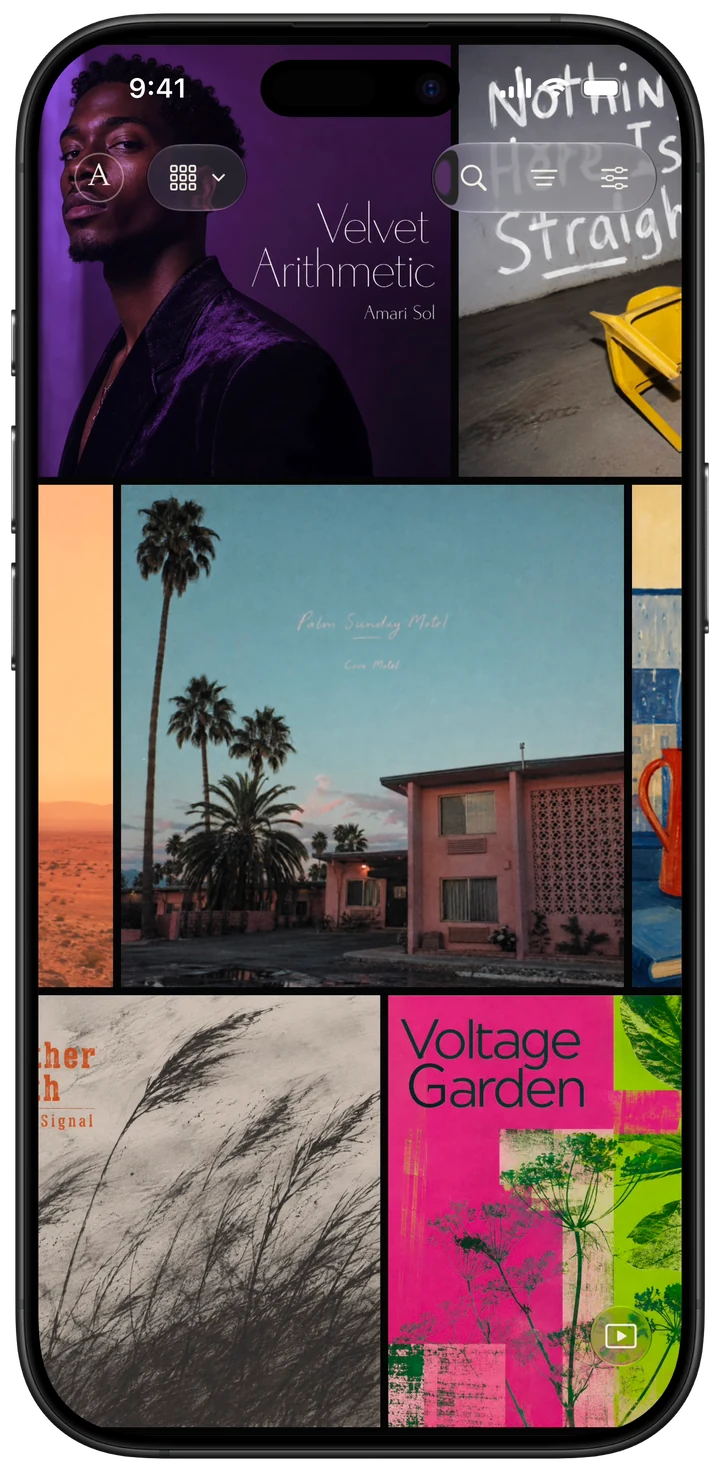
Browse your albums, settle into a song, and keep a Moment as it happens. ARC brings its listening experience to iPhone.
Available now on Mac, iPhone, and iPad.
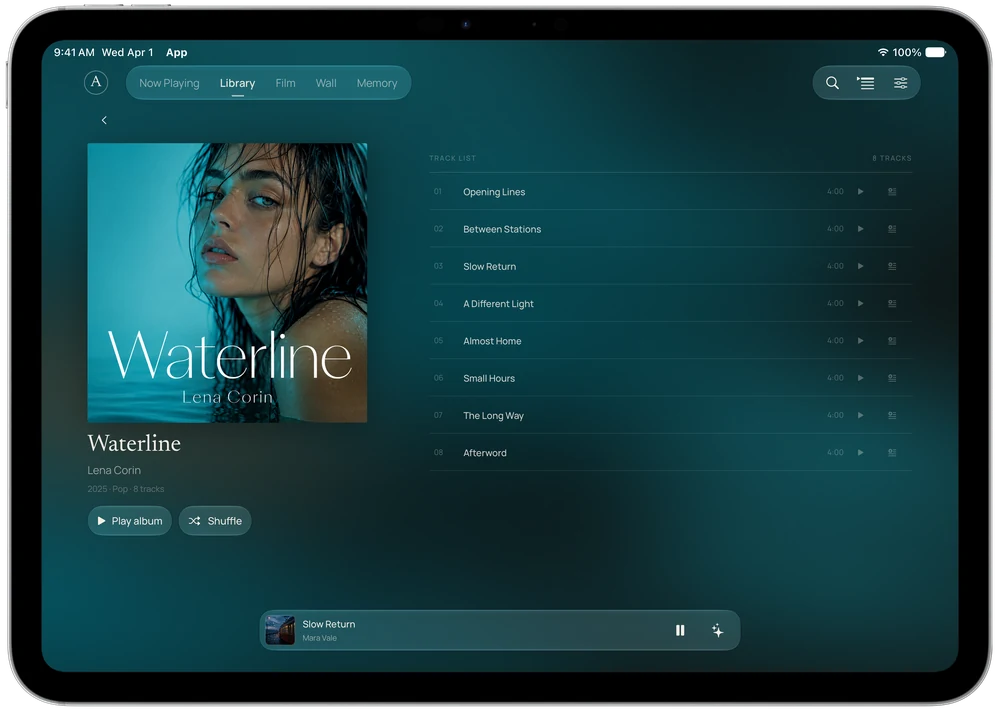
ARC on iPad and Mac
More room for your music.
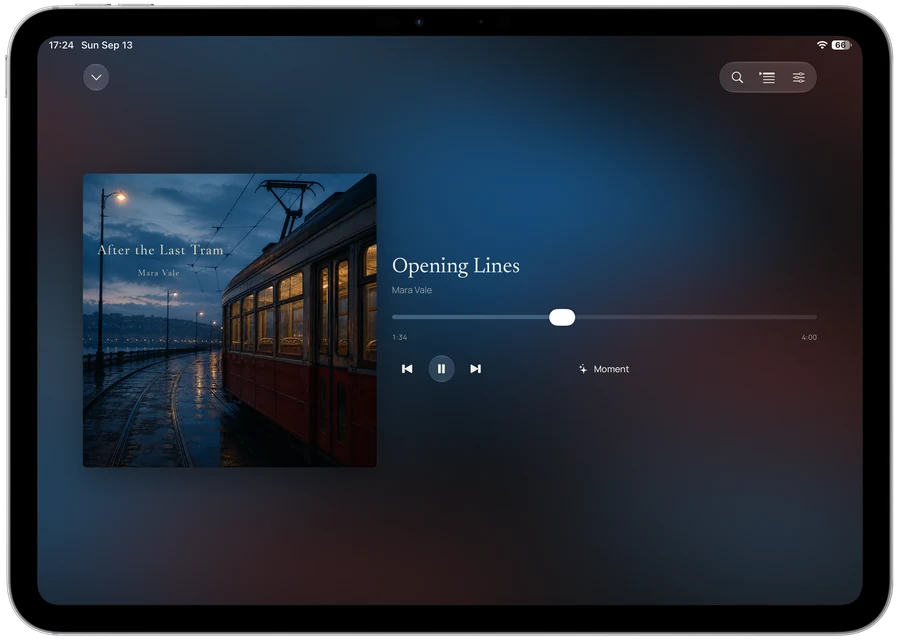
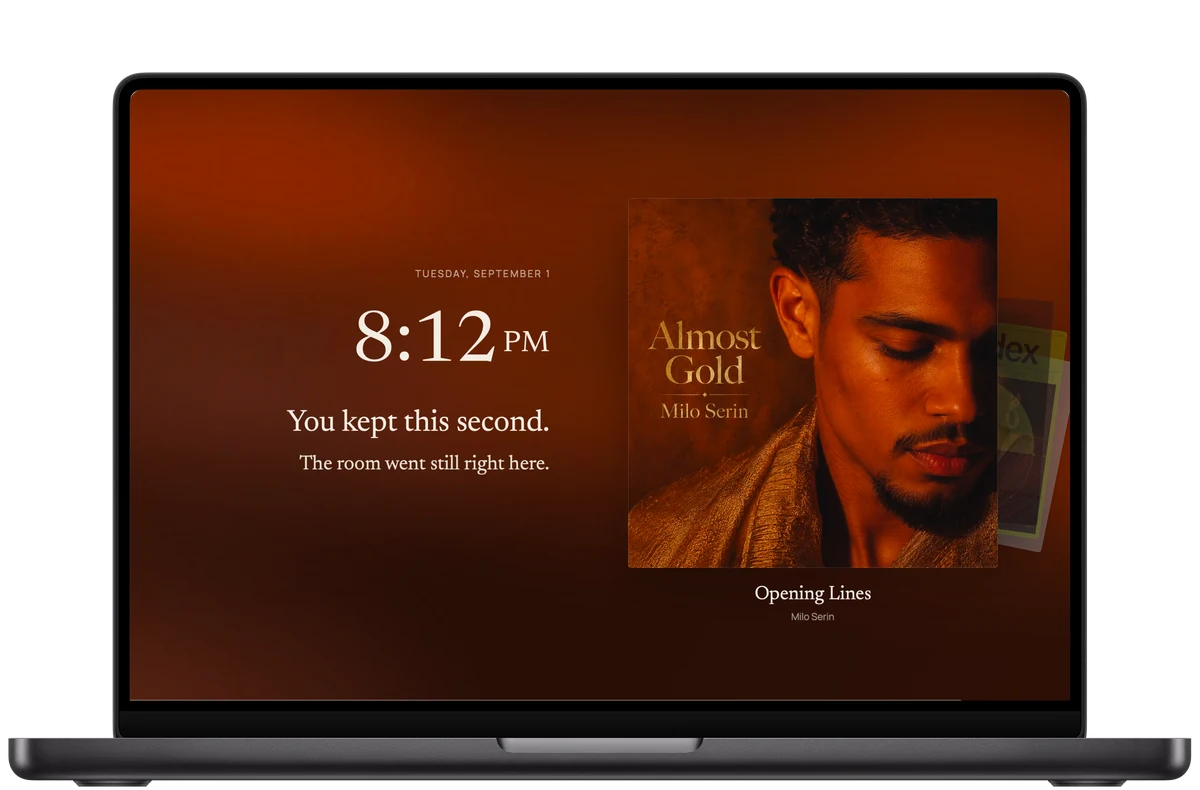
Explore your albums on iPad. Settle into listening on Mac. ARC gives your music room to breathe, with an experience shaped for each screen.
Available now on Mac, iPhone, and iPad.
Eight languages
A familiar language.
Your own words.
ARC follows your system or app language by default. You can also choose a language in ARC Settings; it takes effect after restarting the app.
- English
- 简体中文
- 繁體中文
- 日本語
- 한국어
- Français
- Deutsch
- Español
Song, album, and artist names keep their original wording. So do your notes.
Made to stay with you
Your music.
Your moments.
Your Mac.
Local first, by design
Your listening memory belongs with you.
ARC stores Memory on your device. Moments, notes, listening history, and voice recordings remain local in the current app. Voice notes are private and are never uploaded automatically.
- Music source
- Apple Music
- Memory storage
- On device
- Voice notes
- Private by default
- Memory export & import
- In your hands
Use ARC without creating an ARC account. Export your Memory to a file you control, and import it when you need it. Choose explicitly whether to include Voice notes in an export; the option starts off. Account registration, sign-in, and cloud sync are not available in the current app.
Privacy & your dataBefore you listen
A few things
to know.
Requirements, your data, and the current state of ARC.
What do I need to use ARC?
A compatible Mac, iPhone, or iPad, permission to access Apple Music, and an Apple Music subscription for subscription-catalog playback. Availability depends on your Apple Music account and region. ARC does not include a music subscription.
Which devices are supported?
See the App Store listing for supported devices and current system requirements. Get ARC Music on the App Store
Do I need an ARC account?
No. The current app uses a local guest profile. ARC account registration, sign-in, and cloud synchronization are not available.
What works without an internet connection?
Your saved Memory and locally stored voice notes remain on your Mac and can be viewed without a connection. Music search, library refresh, streaming, and replay may need Apple Music and internet access. ARC does not promise offline music downloads.
Does ARC import my complete Apple Music listening history?
No. Listening Days and listening patterns are based on playback observed by ARC on this device. Chapters uses these local records and saved Moments, too. None of these is a reconstruction of your entire Apple Music history.
Where do Chapters come from, and why are some periods missing?
Open Chapters from Memory to browse completed Monday–Sunday weeks, calendar months, and calendar years. A period needs at least one saved Moment, or three distinct songs with qualified listening across two recorded dates. Listening qualifies after at least 30 seconds of observed playback. The current incomplete period and periods without enough records have no film. Themes depend on the records available.
How does music work in Chapters?
Choosing a film pauses your current playback and prepares chapter music through Apple Music. Catalog music needs the appropriate subscription, authorization, and availability; song lookup, artwork, and streaming may need an internet connection. Sound: Off lets you watch silently. Exit to restore your previous playback context; if restoration fails, ARC offers a retry. Private Voice notes never play automatically.
Can I export a chapter as a video?
No. Chapters plays in real time inside ARC; it does not export MP4 files or videos with music for downloading or social sharing. With the same source records and algorithm version, a chapter keeps the same edit. Editing or deleting its source records updates the derived story.
Do Search songs have to be in my Library?
No. Search Apple Music finds songs, albums, artists, and playlists beyond your personal Library. Browse their details and play in ARC without adding them first. Observed playback can form listening records, and you can save Moments from these songs.
How do I change the app language?
Open ARC Settings from the ARC mark at the top left, then choose Language. Keep Follow system or select one of eight supported languages. Restart ARC to apply the change; on Mac, Restart now or Later lets you choose when. Original music names and your notes are preserved.
Can I back up or move my Memory?
Yes. Memory export and import let you transfer an archive manually. Voice notes are excluded by default; select Include Voice notes explicitly if you want them in the archive. Keep exports private, particularly when they contain voice recordings. Import does not enable cloud sync.
Does ARC record my microphone automatically?
No. Voice recording begins only when you choose to record and grant microphone permission. Voice notes remain local and are not uploaded automatically.
Can I use Spotify or local music files?
Apple Music is the only music source currently supported. Spotify, local-file playback, and NAS libraries are not currently available.
Can I download or purchase ARC now?
Available now on Mac, iPhone, and iPad. Get ARC Music on the App Store
Available now on Mac, iPhone, and iPad.
A quieter way
to live with music.
Available now on Mac, iPhone, and iPad.
Get ARC Music on the App StoreAbout the screenshots
Screenshots show the real ARC app with original demonstration albums and sample listening records. Ambient–Focus and Chapters images are still captures of the app’s moving experiences.